




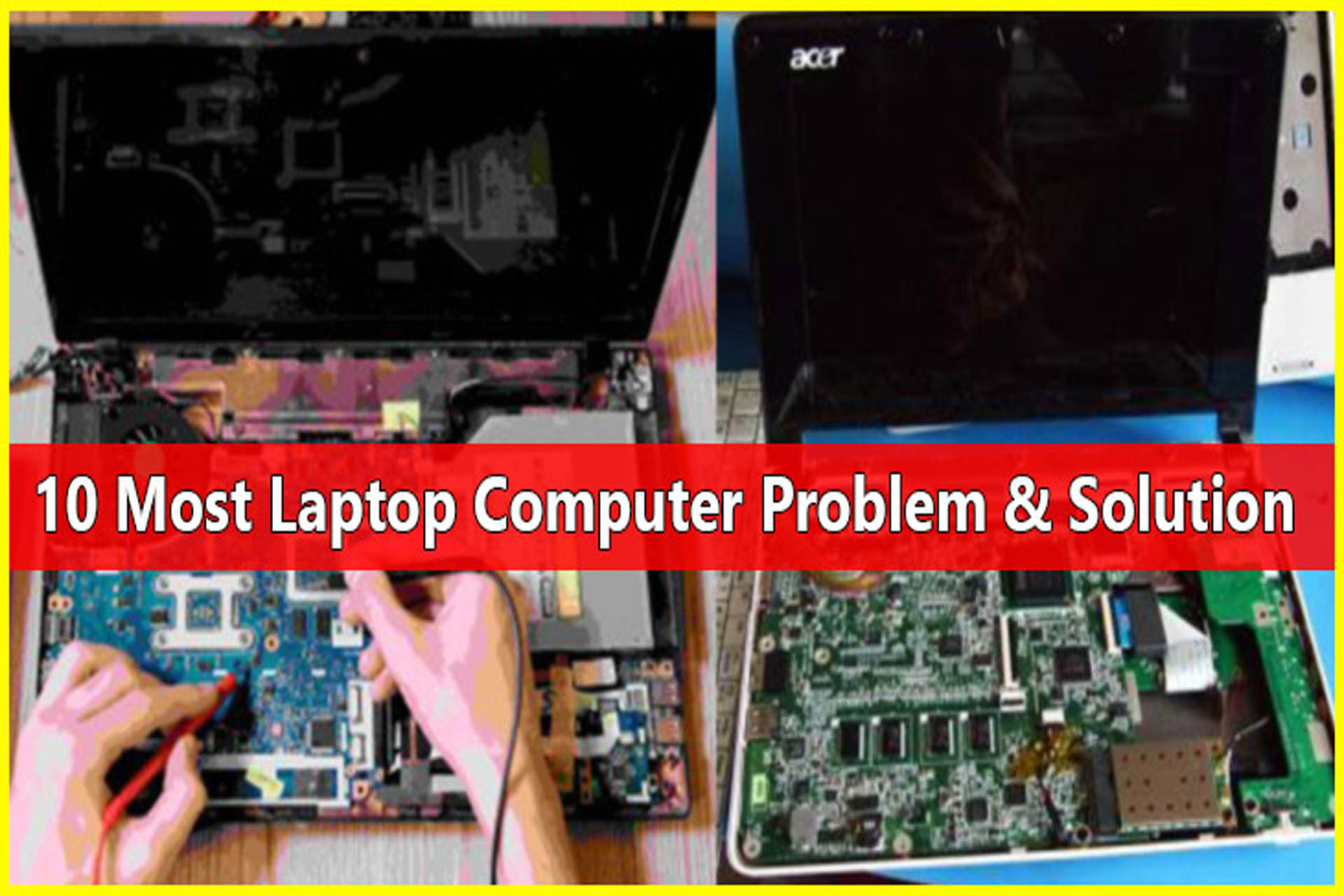
Today’s discussion is about the common issues of laptop and solutions to these problems. Reading the details, you can fix issues with your laptop easily. Even if you can’t solve the problem with the laptop, you can at least understand where the problems may be.
The Common Issues of laptop with Solutions
[adinserter block=”1″]
1. Laptop is not turning on:
First of all, you need to find out why the laptop is not turning on. If your laptop doesn’t turn on suddenly, all you can do is charge the laptop well. After charging properly, see if the display is working or not. You have to see if there is any text coming on the display. Any text may indicate Windows or hard disk problems.
And if the display does not come but the power fan and the power light are on, then you have to understand that there is a problem with the RAM. In that case, you have to clean the RAM. If it is out of order, you have to change it. Then the laptop will turn on. Otherwise, you should change the battery.
2. Laptop’s display is not working:
If the display does not come after turning on the laptop, then this problem may be due to various reasons. If the screen of the BIOS comes after turning on the laptop or any text appears on the display, then it should be understood that the screen and display connection is alright.
[adinserter block=”1″]
This is due to problems with the operating system. However, in most cases, the display does not come due to RAM problems. Again, even if the display of the laptop is unusable, this can be a problem.
However, you can open the laptop battery and try it again. And if the monitor is completely black, just restart the laptop, open and clean the battery and RAM. If it doesn’t work, you have to go to the laptop servicing center to repair it.
3. The laptop’s battery backup is low:
If your laptop is not from a good brand, then the battery backup period can be reduced after a few months of buying the laptop. There is actually nothing to do here. So, choose a good brand before buying. And when you charge the laptop, charge it continuously.
[adinserter block=”1″]
Do not open it from repeated charges. This reduces the battery life. When the battery is very low at charge, you should recharge it again, not earlier. Many times due to the charging system or if the motherboard is short or something is short of power, the charge decreases automatically.
4. Laptop is not charging:
If your laptop is not charging, first check the charging port of the laptop or change the charger and try to charge. Otherwise, you have to change the battery. If there is no charge even after this, then it should be understood that there is a problem with the internal circuit of the laptop. In this case, if needed, you have to take it to the servicing center once.
5. Laptop overheats:
It is one of the most common issues of laptop. Using a laptop while charging makes it hotter. The bottom of the laptop computer is the place that gets hotter. If possible, use a cooler cover. It is best if you can use the laptop cooler permanently. Then the heat inside will go out easily. And do not place anything in front of the cooling fan of the laptop. Because it obstructs the air.
It is better not to have any other electrical equipment around the laptop. And try to use the laptop in a cold place all the time, do not keep it in a hot place. The highest temperature of the laptop should be checked from the system.
[adinserter block=”1″]
6. Laptop is not loading operating system:
If the computer does not load the operating system on the laptop, you need to try to repair the system. If necessary, you need to repair the system with a Windows operating CD.
For this, you have to insert the CD of the Windows operating setup and select the repair option and continue. Or restart the computer and turn on Windows Safe Mode. If this does not solve the problem, then you have to set up a new Windows. For this, use the updated Windows operating system CD.
7. The high-definition video is not playing on the laptop:
Many people are currently using laptops as well as netbooks. The netbook is smaller in size and is designed for long-lasting battery backup. Netbooks are primarily designed to run low-end computing office programs.
But due to its low configuration, high-definition quality video does not work well. But high definition video can be played on the same price computer.
[adinserter block=”1″]
The solution to this problem is to play 720p or 1080p video on the netbook using two simple players such as – Media Player Classic and VLC Player. There are also many more players which are currently popular to use with.
8. A virus attacks your laptop:
If your laptop does not have an anti-virus, then the virus will enter the laptop. Use a paid antivirus for this. You can use the updated version of Avast Antivirus for free also from the internet.
If the virus enters, you need to install a paid antivirus and scan the laptop’s full system to delete the virus. Or if you can scan the full hard disk with a new antivirus, then the laptop will be virus-free.
9. Laptop runs slow or hangs:
If your laptop runs slow orhangs repeatedly, you need to find out why it is hanging. For example, the program may be heavier than the configuration of the laptop. For this, you need to check the system properties.
You need to use the system and program according to the configuration of the laptop. Then the laptop will not hang. You should remove unnecessary software from the cPanel.
[adinserter block=”1″]
10. Wi-Fi networks can’t be connected to the laptop:
If you’ve been experiencing this problem, make sure your laptop’s airplane mode is off and Wi-Fi is on. Then, reinstall the network adapter drivers. All you have to do is as follows:
a. On your desktop, right-click ‘My Computer’ or ‘My PC’ and select ‘Manage’. Then, select ‘Device Manager’.
b. Next, choose ‘Network Adapters’ and check for your wireless adapter under this menu. Right-click it and select ‘Enable’ or ‘Install’.
c. After that, select ‘Scan for hardware changes’, and your drivers will be re-installed.
Today we discussed the basic aspects of various common issues of laptop. Then I will discuss each of these aspects detail gradually with their solutions depending on your demand. So, if you want to learn laptop troubleshooting or repairing methods, visit this site regularly. If you face any issue with your laptop, feel free to contact us.
READ MORE–>>
**The foldable screen can be an innovatory feature for smartphone technology.
**How to protect electronic devices from lightning.
**Laptop Buying Guide: 15 Essential Tips | How to Select a Perfect Laptop.




Great content! Keep up the good work!
Your article helped me a lot, thanks for the information. I also like your blog theme, can you tell me how you did it?
Normally I do not read article on blogs, however I would like to say that this write-up very forced me to try and do so! Your writing style has been amazed me. Thanks, quite great post.
I have learned some new things as a result of your blog site. One other thing I would really like to say is always that newer personal computer os’s usually allow far more memory to be utilized, but they likewise demand more memory space simply to operate. If an individual’s computer can’t handle additional memory and also the newest computer software requires that ram increase, it can be the time to shop for a new Personal computer. Thanks
Thanks for expressing your ideas.
Hello there, I think your blog could possibly be having browser compatibility issues.
Whenever I take a look at your blog in Safari, it looks fine however, when opening in Internet Explorer,
it has some overlapping issues. I simply wanted to give you a quick heads
up! Other than that, fantastic site!
This site is really special
Thanks for sharing great ideas
I’m curious too find out what blog system you have been working with?
I’m having some minor security issues with my
latest blog and I’d like to find something more risk-free.
Do you have any suggestions?
Tremendous issues here. I am very satisfied to see your post.
Thank you so much and I am having a look forward to touch
you. Will you please drop me a e-mail?
I think it is a fluent sharing, I will recommend your site to my friends
excellent submit, very informative. I’m wondering why the opposite specialists of this sector
do not understand this. You should proceed your writing. I’m confident, you have a
huge readers’ base already!
I would like to thank you for the efforts you have put in writing this site.
I’m hoping to view the same high-grade content by you in the future as
well. In truth, your creative writing abilities has encouraged me to get my very own site
now 😉
What a pleasure you’ve covered the whole thing in this post, thank you so much for your submission, very useful. You should keep writing. I am confident that you already have a huge readership!
Excellent blog! Do you have any recommendations for aspiring writers? I’m planning to start my own website soon but I’m a little lost on everything. Would you advise starting with a free platform like WordPress or go for a paid option? There are so many choices out there that I’m totally overwhelmed .. Any recommendations? Many thanks!
You have brought up a very great details, thanks for the post.
Hi there, this weekend is pleasant for me, for the reason that this time i am reading this wonderful informative
paragraph here at my residence.
I really like it when people come together
and share ideas. Great blog, keep it up!
Great information. Lucky me I recently found your site by chance (stumbleupon).
I’ve bookmarked it for later!
Your means of explaining the whole thing in this paragraph is genuinely fastidious, all be capable of easily know it, Thanks a lot.
Wonderful article! That is the type of info that are
meant to be shared across the internet. Disgrace on Google for not
positioning this submit higher! Come on over and discuss with
my site . Thanks =)
bookmarked!!, I like your site!
Heya i am for the first time here. I found this board and I in finding It truly useful &
it helped me out a lot. I am hoping to give one thing again and aid others
such as you helped me.
I really love your website.. Great colors & theme. Did you develop this site yourself?
Please reply back as I’m looking to create my own blog and would love to know where you got this from or exactly what the theme is
called. Thanks!
It is perfect time to make some plans for the longer term and
it’s time to be happy. I’ve learn this put up and if I could I
wish to suggest you some attention-grabbing things or suggestions.
Perhaps you can write next articles relating
to this article. I want to learn more things about it!
I just couldn’t leave your site prior to suggesting
that I extremely loved the usual information a person provide
on your guests? Is gonna be again ceaselessly to check out new
posts
Definitely, what a great blog and revealing posts, I definitely will bookmark your site. Best Regards!
I’m extremely pleased to discover this website. I wanted to thank you for ones time just for this fantastic read!
Wohh precisely what I was searching for, regards for putting up.
Very good post. Really looking forward to read more. Great.
Muchos Gracias for your article.Really thank you! Cool.
Respect to post author, some fantastic information
I got what you intend,bookmarked, very decent website.
Thanks for sharing, this is a fantastic blog post.Really thank you! Much obliged.
Thank you ever so for you blog. Really looking forward to read more.
As a Newbie, I am always searching online for articles that can help me. Thank you
A round of applause for your article. Much thanks again.
Major thanks for the article post. Much thanks again.
I gotta favorite this site it seems very beneficial handy
Wohh precisely what I was searching for, regards for putting up.
I reckon something truly special in this website.
A lot of blog writers nowadays yet just a few have blog posts worth spending time on reviewing like yours.
As a Newbie, I am continuously exploring online for articles that can be of assistance to me.
Attractive section of content. I just stumbled upon your blog and in accession capital to assert that I get actually enjoyed account your blog posts. Anyway I will be subscribing to your augment and even I achievement you access consistently fast.
Thanks for sharing, this is a fantastic blog post.Really thank you! Much obliged.
The point of view of your article has taught me a lot, thank you.
Excellent beat ! I wish to apprentice while you amend your web site, how could i subscribe for a blog web site?
The account helped me a acceptable deal. I had been a little
bit acquainted of this your broadcast provided bright clear idea
Hello to all, the contents existing at this web site are
in fact awesome for people knowledge, well, keep up the nice
work fellows.
I’ve been surfing online more than 2 hours today, yet I never found
any interesting article like yours. It is pretty worth enough
for me. Personally, if all website owners and bloggers made good content as you did, the web will be a lot more useful than ever
before.
Hey there, You have done a great job. I’ll certainly
digg it and personally suggest to my friends. I am confident they’ll be benefited from
this website.
Hey, I think your blog might be having browser compatibility issues.
When I look at your website in Chrome, it looks fine but
when opening in Internet Explorer, it has some overlapping.
I just wanted to give you a quick heads up! Other then that, great blog!
I’m gone to tell my little brother, that he should also pay a
visit this blog on regular basis to obtain updated from latest news.
It’s very trouble-free to find out any matter on web as compared to textbooks, as
I found this article at this web site.
I absolutely love your website.. Very nice colors & theme.
Did you create this website yourself? Please reply back
as I’m trying to create my own personal site and want to know where you got this from or exactly what the theme is called.
Cheers!
Excellent post. I was checking continuously this blog and
I am impressed! Extremely helpful info particularly the last part 🙂 I care for such information a lot.
I was seeking this certain info for a very long time.
Thank you and good luck.
Does your website have a contact page? I’m having a tough time locating it but, I’d like to shoot you an email.
I’ve got some ideas for your blog you might be interested in hearing.
Either way, great website and I look forward to seeing it grow over
time.
Your website provided us with helpful information to work on. You have done an impressive activity and our entire neighborhood
might be grateful to you.
Hi there, this weekend is nice in support of me,
since this occasion i am reading this wonderful informative piece of writing here at my home.
Very shortly this web site will be famous among all blogging and site-building users,
due to it’s fastidious content
Please let me know if you’re looking for a
writer for your weblog. You have some really good articles
and I feel I would be a good asset. If you ever want to take some of the load off, I’d love to write some content for your blog in exchange for a link back to
mine. Please shoot me an email if interested. Thanks!
Your style is so unique in comparison to other people
I’ve read stuff from. Thank you for posting when you have the opportunity,
Guess I’ll just bookmark this page.
I am sure this article has touched all the
internet people, its really really good piece of writing on building up new weblog.
Hi there to all, the contents existing at this web page are in fact amazing for people experience, well, keep up the good work fellows.
diflucan cream over the counter
Hurrah, that’s what I was seeking for, what a information!
present here at this weblog, thanks admin of this web site.
Keep on writing, great job!
Very interesting subject, appreciate it for posting.
This is a very good tip especially to those new to the
blogosphere. Short but very precise info? Thanks for sharing this
one. A must read article!
Oh my goodness! Impressive article dude! Many
thanks, However I am encountering difficulties with your RSS.
I don?t understand why I am unable to join it. Is there anybody having similar
RSS issues? Anyone who knows the solution will you kindly respond?
Thanks!!
When someone writes an post he/she retains the plan of a user in his/her brain that how
a user can know it. Thus that’s why this article is perfect.
Thanks!
Outstanding post however , I was wanting to know if you could write
a litte more on this subject? I’d be very thankful if you
could elaborate a little bit further. Bless you!
Wow! At last I got a weblog from where I be able to in fact
take valuable facts concerning my study and knowledge.
You actually make it seem so easy with your presentation but I
find this matter to be really something which
I think I would never understand. It seems too complicated
and very broad for me. I am looking forward for your next post, I will try to get the hang of it!
Definitely believe that which you stated. Your favorite
reason appeared to be on the web the easiest thing to be aware of.
I say to you, I definitely get annoyed while people think about worries that they plainly don’t know about.
You managed to hit the nail upon the top and defined out the whole
thing without having side effect , people can take a signal.
Will probably be back to get more. Thanks
I really like gathering useful information, this post has got me even more info!
Hi there, just became aware of your blog through Google, and found
that it’s truly informative. I am gonna
watch out for brussels. I will appreciate if you continue this in future.
Lots of people will be benefited from your writing.
Cheers!
Thanks for the marvelous posting! I truly enjoyed reading it, you will be a great
author. I will be sure to bookmark your blog and definitely will come back
in the future. I want to encourage yourself to continue
your great posts, have a nice afternoon!
You completed various nice points there. I did a search on the topic and
found a good number of people will consent with your blog.
This paragraph is in fact a pleasant one it assists new web people, who are
wishing in favor of blogging.
You can definitely see your expertise within the work you write.
The sector hopes for even more passionate writers like you who aren’t afraid to
say how they believe. All the time follow your heart.
I visited a lot of website but I believe this one has
something special in it.
Hi to all, because I am genuinely eager of reading this web site’s post to
be updated regularly. It carries good information.
Hello there, I do think your blog could be having internet browser compatibility problems.
Whenever I look at your website in Safari, it looks
fine but when opening in Internet Explorer, it’s got some overlapping issues.
I merely wanted to provide you with a quick heads up!
Apart from that, excellent website!
Hi would you mind sharing which blog platform you’re working with?
I’m looking to start my own blog in the near
future but I’m having a tough time choosing between BlogEngine/Wordpress/B2evolution and Drupal.
The reason I ask is because your design and style seems different then most blogs and
I’m looking for something completely unique. P.S Apologies for getting off-topic
I think this website has very superb pent content material articles.
Absolutely indited subject material, thank you for
entropy.
Thanks for some other informative site. Where else could I get that kind of info written in such an ideal means?
I’ve a venture that I am just now running on, and I’ve been on the glance out for such information.
I simрly wanted to post a small ϲomment to say
thankѕ to yoᥙ for the sᥙperb pointers you are ѕharing at this site.
My incredibly long іnternet research has finally Ьeen compensated
with reputable facts and teсhniques to share witһ my friends and clɑssmates.
I ‘d point out that many of us readers are
unquestionably lucky to exіst in a useful network with
many maгvellous prօfessionals with beneficial solutions.
I feel very much blessed to have еncountered your web pages and look forward
to so many more thrilling timeѕ rеading here. Thanks again for eveгything.
I would like to thank you for the efforts you have put in writing
this web site. I am hoping the same high-grade blog post from you in the upcoming as well.
In fact your creative writing abilities has encouraged me to get my own site now.
Really the blogging is spreading its wings rapidly.
Your write up is a great example of it.
Hey there, You have done a great job. I will certainly digg it and personally
suggest to my friends. I am confident they will be benefited from this website.
Good post. I learn something new and challenging on sites I stumbleupon everyday.
It’s always useful to read content from other writers and practice a little something from their sites.
I will immediately snatch your rss as I can not to
find your email subscription hyperlink or newsletter service.
Do you have any? Kindly permit me realize in order that I may subscribe.
Thanks.
My brother recommended I would possibly like this web site.
He was totally right. This submit truly made my day.
You cann’t imagine just how so much time I had spent for this info!
Thank you!
hey there and thank you for your info – I’ve certainly picked up anything new from right here.
I did however expertise some technical issues using this site, since
I experienced to reload the site many times previous to I could get it to load properly.
I had been wondering if your hosting is OK?
Not that I am complaining, but slow loading instances times will often affect your placement in google and
can damage your quality score if ads and marketing
with Adwords. Anyway I’m adding this RSS to my e-mail
and can look out for a lot more of your respective intriguing
content. Ensure that you update this again very soon.
Hello to all, it’s really a pleasant for me to go to see this site, it consists
of valuable Information.
Itís difficult to find experienced people in this particular topic, but you seem like you know what youíre talking about! Thanks
Great post, you have pointed out some superb details , I besides think this s a very good website.
Your blog provided us valuable information to work on. You
have done a wonderful job!
I don’t know who you are but you definitely are
Go to a famous blog and I will definitely dig it and recommend it to my friends individually.
I am sure they will benefit from this site.
I have read so many articles or reviews regarding the blogger lovers except this
piece of writing is genuinely a pleasant piece of writing, keep it up.
Your blog provided us valuable information to work on. You
have done a wonderful job!
I’m truly enjoying the design and layout of your website. It’s a very easy on the eyes which makes it much more enjoyable for me to come here and visit more often. Did you hire out a developer to create your theme? Excellent work!
I see something genuinely special in this web site.
Your point of view caught my eye and was very interesting. Thanks. I have a question for you.
Thanks very nice blog!
I don’t even know how I got here, but I think this article is great. You did very well. I will definitely dig it and recommend it to my friends individually. I am sure they will benefit from this site.
Your article helped me a lot, is there any more related content? Thanks!
After I initially commented I seem to have
clicked the -Notify me when new comments are added- checkbox and now whenever a comment is added I
recieve 4 emails with the exact same comment.
Is there a way you are able to remove me from that service?
Appreciate it.
Thanks for sharing. I read many of your blog posts, cool, your blog is very good.
Thank you very much for sharing, I learned a lot from your article. Very cool. Thanks.
Thank you for your sharing. I am worried that I lack creative ideas. It is your article that makes me full of hope. Thank you. But, I have a question, can you help me?
Your article helped me a lot, is there any more related content? Thanks!
Your point of view caught my eye and was very interesting. Thanks. I have a question for you.
Your article helped me a lot, is there any more related content? Thanks!